Tack Studio App
Manage installations, updates and licensing.
Description
The Tack Studio app is your all-in-one hub for installing, activating and managing all of our tools.
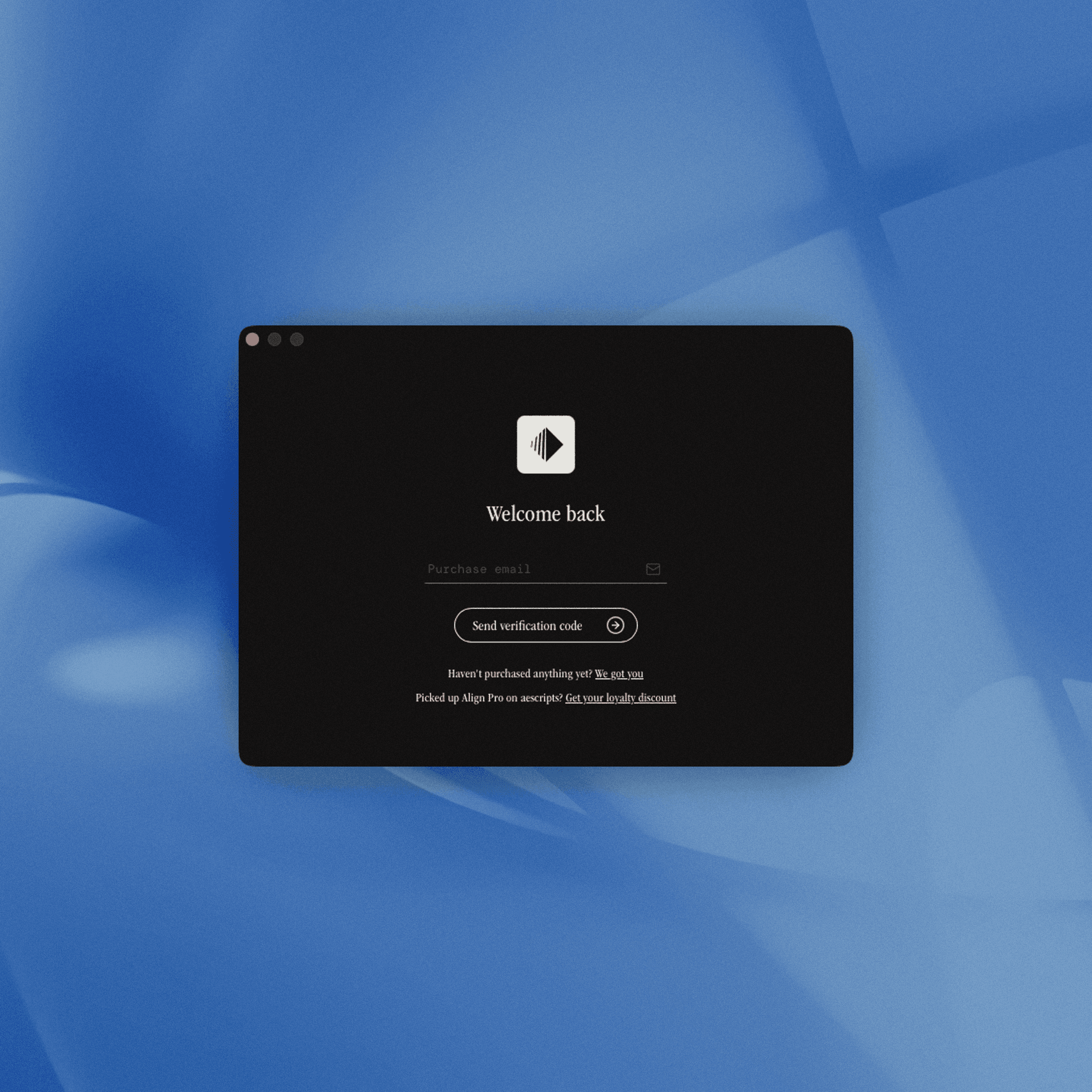
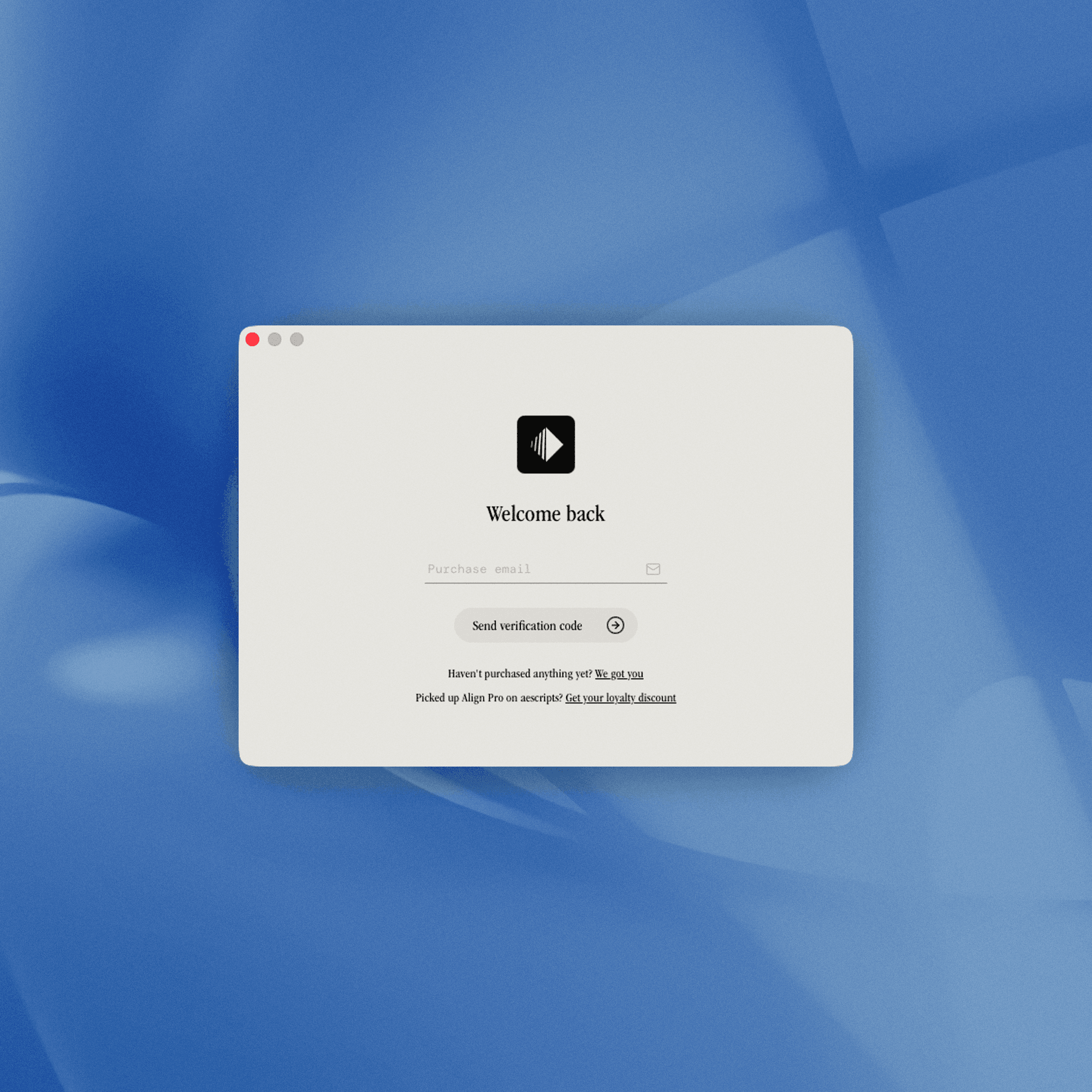
To get started, just download and install the app. Once it’s open, sign in using a one-time passcode sent to the email you used at checkout. After that, you’ll instantly see the tools your account has access to and can install them with a few clicks.
The tools periodically check in with the app to confirm your licence and keep track of any updates, so the app needs to stay open while you’re using any of our tools.
Prove your loyalty
For a limited time, get a huge 60% off the new Align Pro, if you originally bought it from aescripts. Just download the app, fill in the form and we’ll send you a personal discount code.
01
Installations

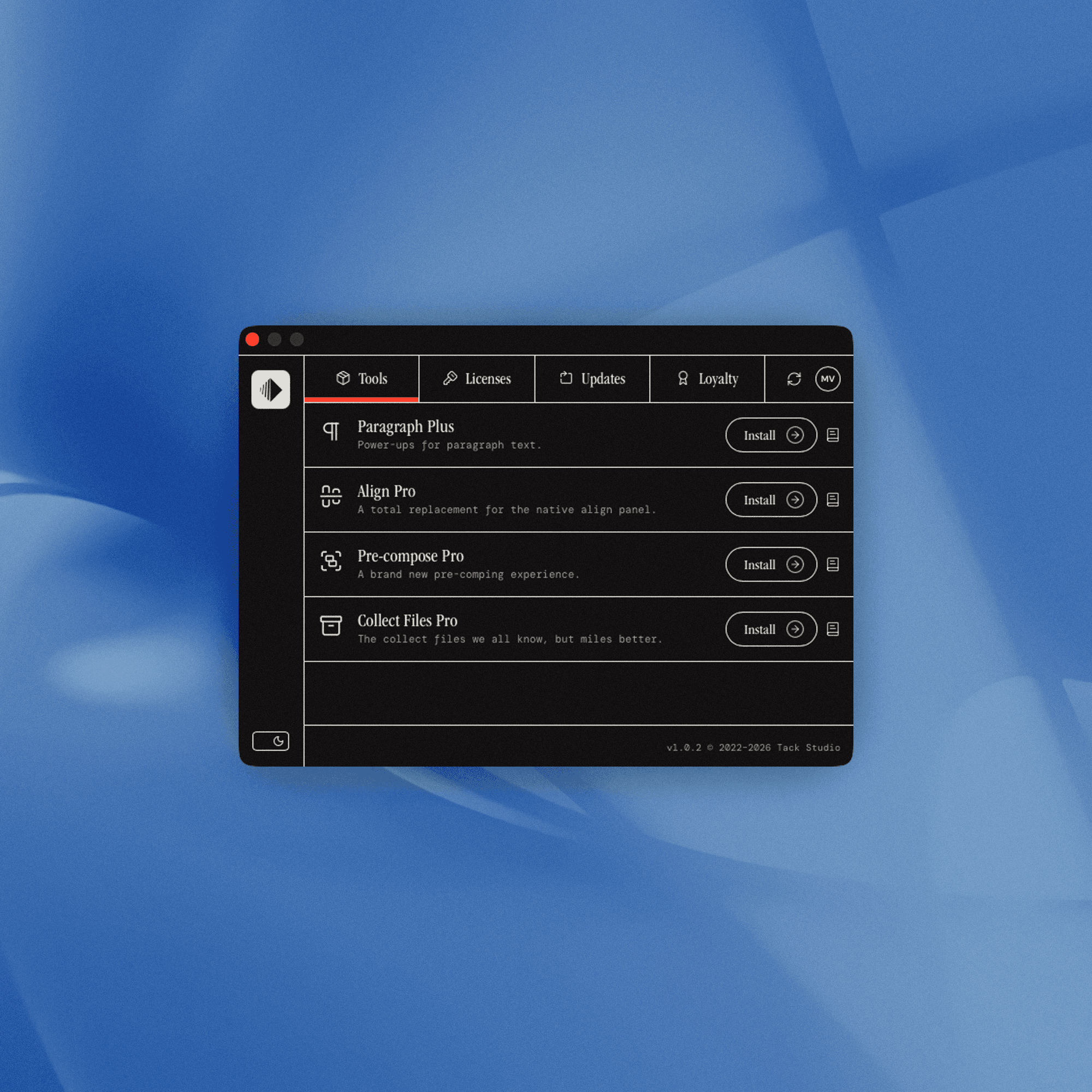
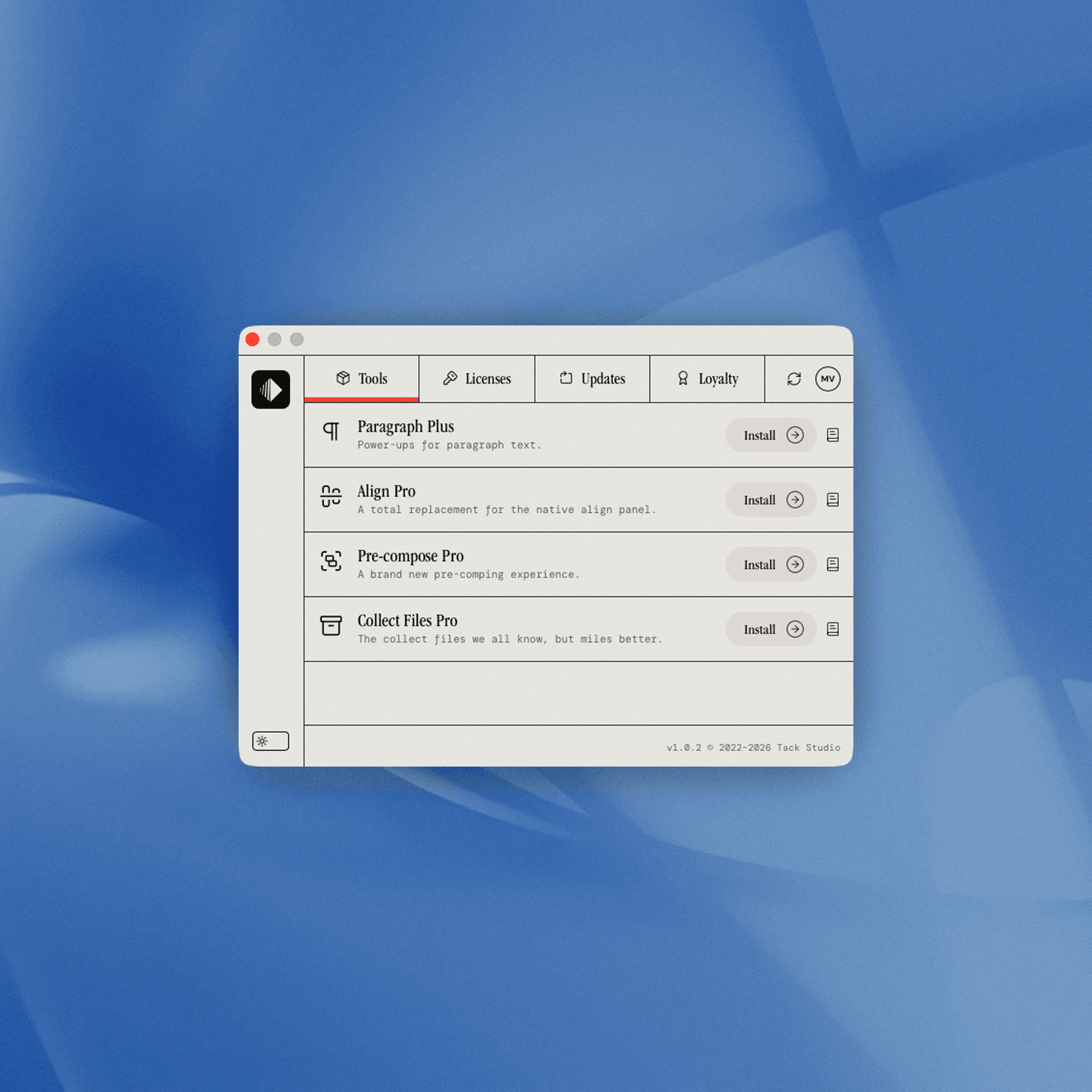
Once you’re logged in, you’ll see the full Tack Studio catalogue.
From there, you can install, activate, or uninstall any tools your account has access to. For any tools you don’t yet own, you can purchase them using the convenient checkout link.
02
Licenses & Activations

In the Licenses tab, you’ll find all the licence keys linked to your account, along with the individual activations for each one.
If you ever need to free up a seat, you can remove an activation at any time—instantly revoking access on that specific machine.
03
Updates

From time to time, our tools receive updates and staying up to date couldn’t be easier.
In the Updates tab, you can see the changelogs and upgrade to the latest version.